
Calm color by number
Color. Tap. Unwind.
Cozy illustrations, a soft sound with every tap and rain in the background. Pick a page and take a few quiet minutes for yourself — no sign-in, no rush.
Release in preparation. Calma Color is on its way to the App Store and Google Play.
Works offline. No ads while you color.
DemoThe Sleeping Cat
84% complete
Tap a numbered field to color it.
Finished. Breathe.In the app the outlines fade and the artwork lands in your gallery.
A browser demo. Zoom, haptics, saved progress and the whole library are in the app.
Features
Feel every tap
A soft sound, a gentle vibration and color spreading across the field.
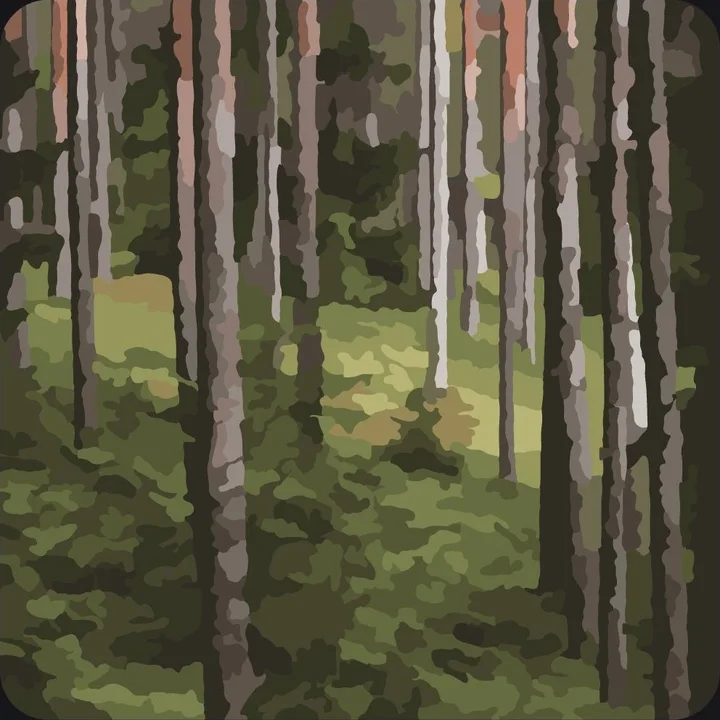
Rain, forest or quiet piano
Choose a background and set its volume to suit your moment.
No account
There is no sign-up and no sign-in. Open the app and start coloring.
How it works
Pick an artwork
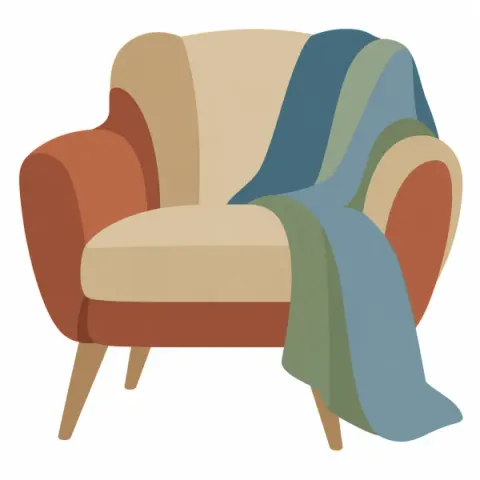
A sleeping cat, a reading chair, a mandala or a quiet landscape.
Choose a level and a sound
Calm, Balanced or Deep, with your own touch sound and background.
Color
Tap a field and the color spreads softly. Progress saves itself.
Keep the result
The finished page stays in your gallery, ready to replay and share.
Inside the app
 ExploreThe artwork of the day and your quiet rhythm.
 Color by numberTap a field and watch the color spread.
 Zoom inEven small fields stay easy to hit.
 Your soundTouch sound, background and haptics.
 Calma JourneysChapters that share a mood.
 My CalmaFinished pages, kept in albums.
 Light or darkLight, dark, or following your system.
Screenshots from the Android app, shown in English.
Every tap has its own sound
Touch sound and background are chosen separately, each with its own volume. Listen to a few samples from the app.
In the app you can feel each field too. The gentle vibration depends on your device and can be switched off.
Touch sounds
Backgrounds
Short excerpts. Nothing plays until you press a button.
Coloring that never rushes you
No timers, no streaks to lose and no penalty for taking a break.
Find the last field
Highlights and “Find a field” help you finish without searching forever.
By number, or your own way
Follow the numbers, or switch to free painting and fill the fields with palette colors you choose.
Come back whenever
Your progress waits in the app. A break never takes finished work away.
Artwork of the day
A different artwork from the catalog each day, open to everyone that day.
Illustrations worth coming back to
Cats at home, cozy reading, rainy windows, mandalas, plants and landscapes, gathered into themed collections.
 Cozy ReadingAn armchair, books, a candle, a blanket, breakfast and a quiet corner by the window.
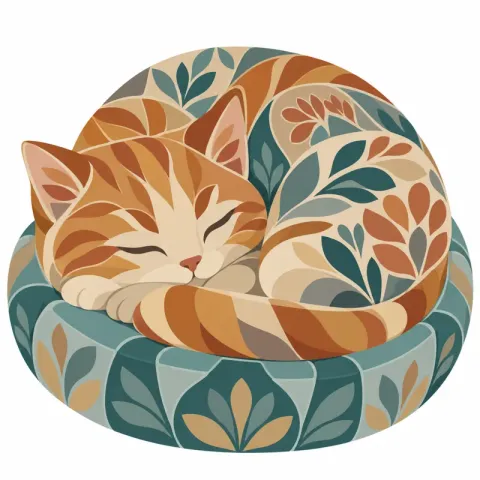 Cats at HomeSleeping cats, boxes, yarn, books, plants and feline company.
 Rainy WindowsRain on the glass, a windowsill, a café, tea, an umbrella and the city.
 Mandala FlowRepeating shapes inspired by the sun, the moon, leaves, feathers and waves.
 Botanical RoomsFerns, eucalyptus, palm leaves, hanging plants, an olive branch and herbs.
 Seaside CalmShells, waves, a turtle, a reef, fish and a lighthouse.
 Moonlit ForestAn owl, a fox, a stag, mist, a clearing and the night sky.
 Secret GardensPoppies, magnolia, hydrangea, a fountain, a garden gate and lavender.
 Japanese CountrysideBonsai, cherry blossom, tea, koi, rice terraces and a torii gate.
 Cozy AutumnPumpkins, wool, a hedgehog, leaves, mushrooms and an autumn cottage.
 Calma ClassicsPeonies, a mandala, jellyfish, mountains, the moon, a crane, monstera and tea with a book.
 First StepsShort pages with large fields, a few minutes each. A gentle place to begin.
Your pace
Full artworks come in three separately drawn levels. Short starter pages let you begin with just a few minutes.

Calm
A simpler composition with larger fields, easier to finish in a short session.
Balanced
More detail while the layout stays easy to read.

Deep
The richest composition and a longer session for people who love detail.
One artwork, three different drawings: “The Sleeping Cat”.
Calma Journeys
A journey leads you through illustrations that share a mood, chapter by chapter, with no deadline.
- FreeA Gentle StartFour short pages, a few quiet minutes each.4 chapters
- PremiumCozy ReadingAn armchair, a stack of books and a slow evening.6 chapters
- PremiumCats at HomeSix small stories about sleeping, boxes and yarn.6 chapters
- PremiumRainy WindowsWarm light inside, rain on the glass.6 chapters
- PremiumMandala FlowEven shapes, one ring at a time.6 chapters
- PremiumBotanical RoomsLeaves, pots and a quiet corner of green.6 chapters
- PremiumSeaside CalmShells, waves and a lighthouse at the end of the day.6 chapters
- PremiumMoonlit ForestAn owl, a fox and a clearing under the moon.6 chapters
- PremiumSecret GardensPoppies, a garden gate and a field of lavender.6 chapters
- PremiumJapanese CountrysideCherry blossom, koi and tea in the afternoon.6 chapters
- PremiumCozy AutumnPumpkins, warm wool and a cottage among the leaves.6 chapters
- FreeOrganic FlowBloom, symmetry and water in a deeper creative flow.3 chapters
 PremiumStill LifeA cup of tea, green leaves, a crane and the moon — unhurried company.4 chapters
Your photo, your coloring page
Pick a photo or take a new one, then set the crop and the level of detail. The app simplifies the colors, splits the picture into fields and shows a preview before anything is saved.
- Pick a photo or take one with the camera
- Adjust the square crop
- Choose the detail: Calm, Balanced or Deep
- Compare the preview with the original and save the page
Clear objects and landscapes work best. Your first saved photo page is free. Premium makes them unlimited.
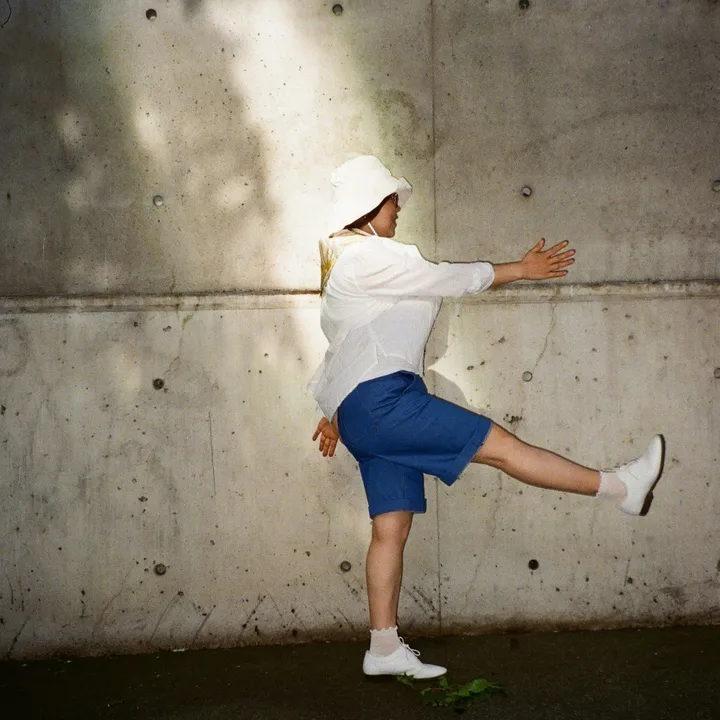
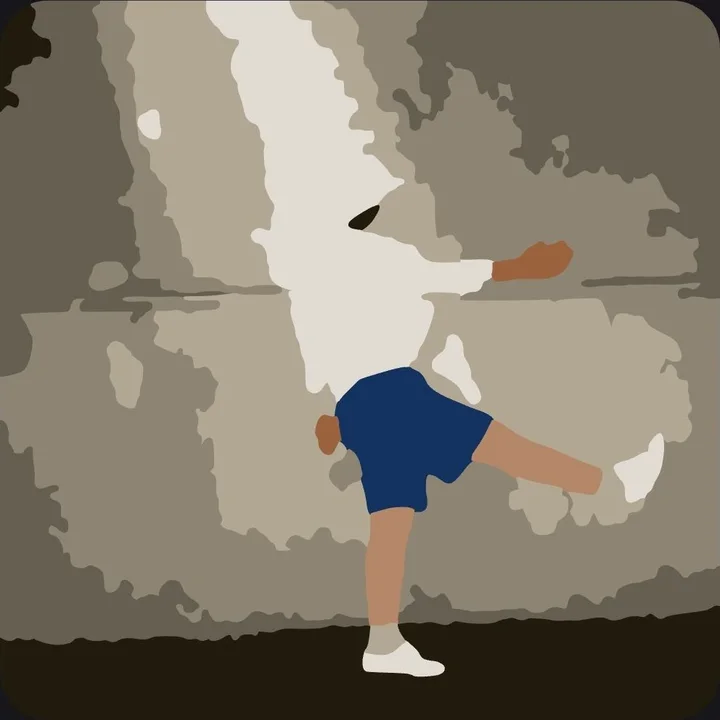
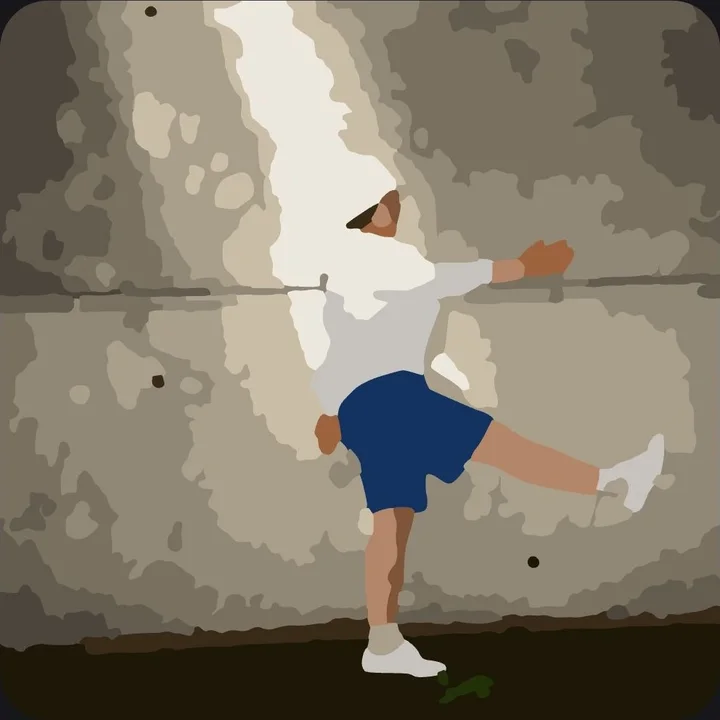
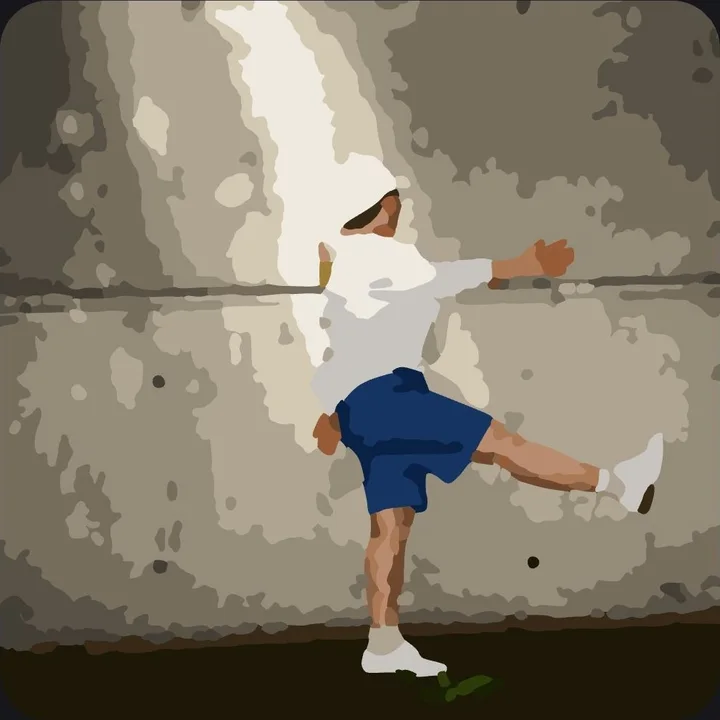




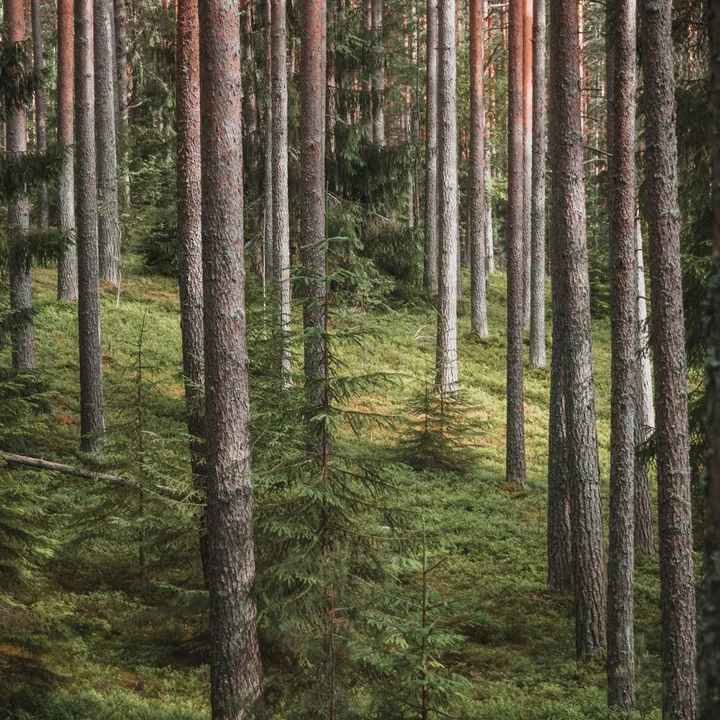
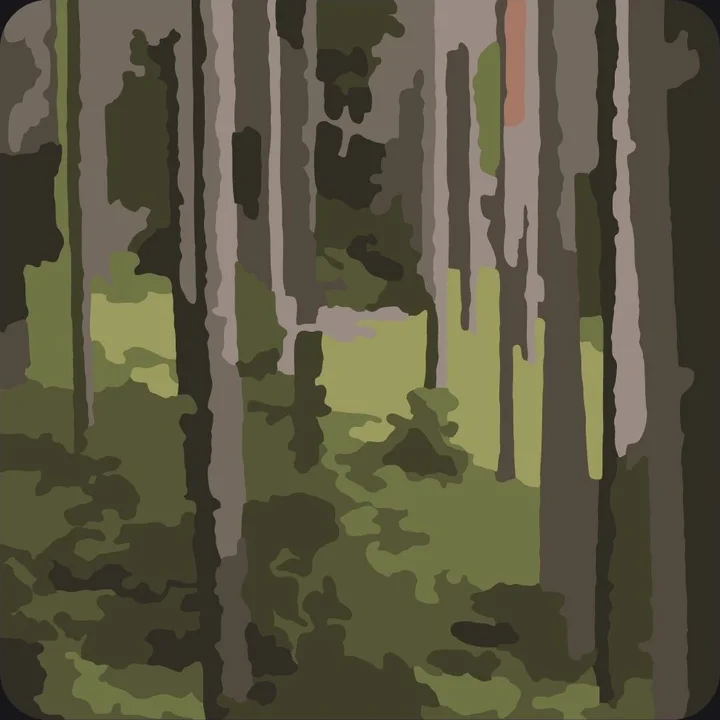
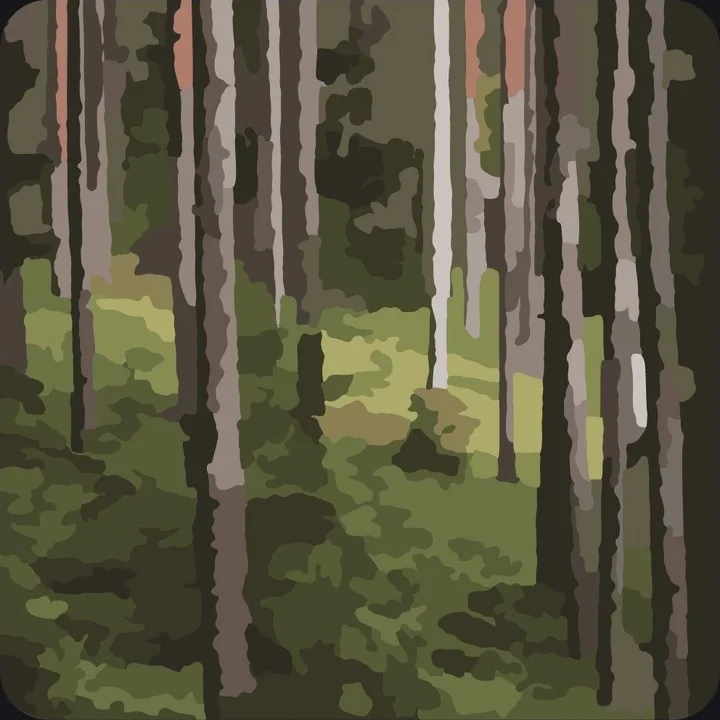
Watch how it happened
The app remembers the order of your taps. Replay any artwork from blank page to last field, then share it as an image or a short video.
- Finished pages stay in your personal gallery, My Calma
- Pause the replay anywhere with a slider
- Share an image or a short vertical video through your phone’s share sheet
Questions and answers
Is Calma Color free?
Yes. You can use part of the illustrations, the short starter pages, the artwork of the day and the basic sounds. Calma Premium is an optional purchase that extends the standard library and features.
Do I need an account?
No. The app has no sign-up and no sign-in. A Premium purchase is handled by your App Store or Google Play account.
Can I color without the internet?
Yes. The illustrations and sounds bundled with the app, and saving your progress, all work offline. A connection is needed for purchases, ads and downloading new content.
Are there ads while I color?
No. In the free version ads may appear away from the canvas. Calma Premium removes all ads.
Is Premium a subscription?
No. It is a single lasting purchase in the app, with no monthly or yearly fees. The store shows the price before you buy.
What does Premium unlock?
The whole standard library, every standard journey and sound, unlimited coloring pages from photos, export without the mark and an app with no ads. Extra bonuses for Calma Points follow their own rules.
Does every illustration have three levels?
Full artworks come in Calm, Balanced and Deep. The short starter pages have a single version.
Can I color without numbers?
Yes. Free painting lets you fill the fields with colors you choose from the palette.
Are hints paid?
No. Highlighting the selected color and “Find a field” are part of coloring and never need to be bought.
Are my photos uploaded to a server?
No. The photo is processed on your phone. The app saves the coloring page it creates, not the original photo.
How many photos can I turn into coloring pages?
By default the first saved import is free. Premium opens unlimited pages from photos.
Can I share my work?
Yes, as an image or as a short video of it coming together. In the free version the export carries a subtle Calma Color mark; Premium removes it.
Will I lose progress if I take a break?
No. The app saves your work and never takes progress away for a break. There is no streak of days to lose.
How does the artwork of the day work?
Each day the app picks a different artwork from the standard catalog and opens it to everyone. It does not mean a new illustration is published every day.
Can I move my gallery to a new phone?
Your data is stored on the device. A phone backup can restore it if it was turned on; that depends on the system. Calma has no gallery sync of its own, and progress does not move between Android and iPhone.
How do I restore Premium?
Use “Restore purchases” in the app, signed in to the account the purchase was made with in that store. Restoring Premium does not restore your gallery.
Are reminders mandatory?
No. You decide whether to turn them on and you set the time and days. Updates about new artworks have a separate switch.
Which languages does the app support?
English, Polish, German, Spanish, French and Portuguese.
Is the app for children?
Calma Color is made for adults. There is no separate children’s mode.

Pick a page. Put on the rain. Start with one field.
Release in preparation. Calma Color is on its way to the App Store and Google Play.
From the maker of Calma Color
More apps built the same way.
Private by design, useful offline and no extra subscription — the same philosophy behind Calma Color.
 CalmaSleep & focus soundsMix nature sounds, white noise and ambient layers for sleep, relaxation and deep focus. Works fully offline with a one-time lifetime unlock.calmasounds.com
  PayClearSubscription trackerTrack subscriptions, free trials and recurring bills privately. No bank login, no account — local reminders and a one-time lifetime unlock.pay-clear.com
  SereoTrading journalA private trading journal for stocks and options with performance analytics and position-size calculators. No account, no subscription.sereo.cc